Downloading articles for a flight with Linkding, SingleFile and a throwaway container
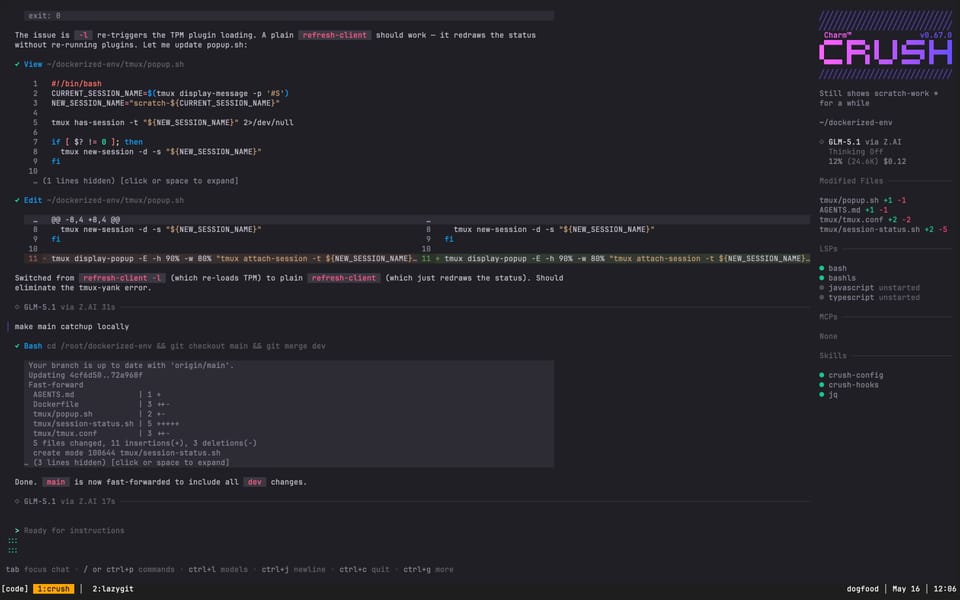
I have a flight coming up and wanted reading material offline. Minimal wifi on planes, no scrolling algorithmic feeds, just a folder of articles on my phone, curated by me, available anywhere. Here's how I pulled it off with tools already running in my homelab, and a disposable container that did all the heavy lifting.
The tools
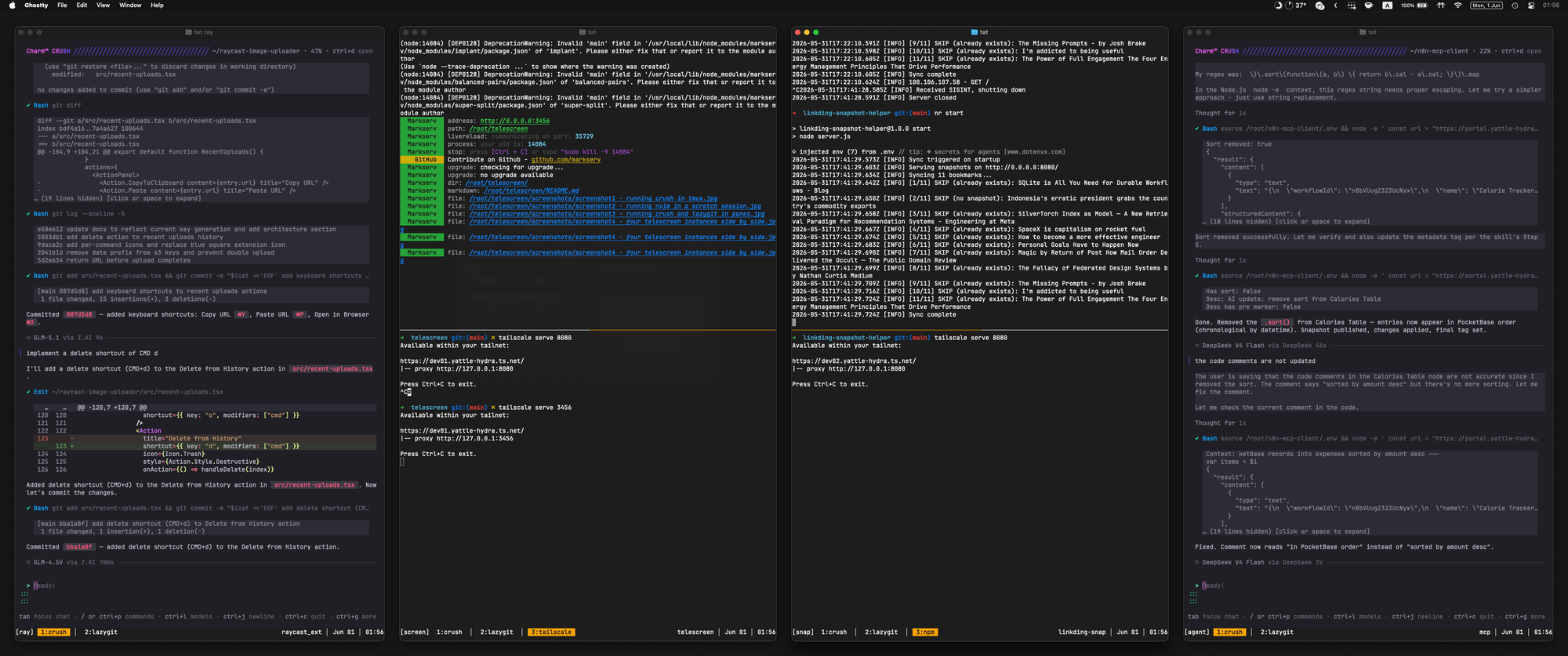
Telescreen
Telescreen is my opinionated dev-in-a-box. It's a Docker container that gives you a fully loaded workspace with one docker run: tmux, Neovim, Crush (an AI coding assistant that lives in your terminal), Tailscale SSH, ripgrep, fzf, jq, Node.js, and more. I built it to be disposable: spin it up, do the work, throw it away. Nothing persists except what you explicitly mount. In this case, I needed a workspace that could talk to my Linkding instance over Tailscale and run a script to download everything.
Linkding
I run a self-hosted Linkding instance as my links inbox. It's a minimalist bookmark manager. You throw links at it, tag them, and it holds onto them. Mine runs as a Docker container on my NAS, accessible over Tailscale. Articles I want to read later get tagged with #Offline for things I want available without internet. It also has a clean REST API with token auth, which becomes important later.
SingleFile
SingleFile is a browser extension that saves a complete snapshot of any webpage as a single self-contained HTML file. Inline CSS, inline images, inline JavaScript, everything baked into one .html file with zero external dependencies. Perfect for offline reading.
The neat part is that SingleFile can be configured to make an API call after saving a page. You point it at Linkding's singlefile upload endpoint in the settings, and every time you save a page, it uploads the snapshot as an asset on the corresponding Linkding bookmark. So my workflow was: browse my Linkding instance, pick out articles I wanted to read on the flight, open each one and hit the SingleFile button to download all tabs in one go. The full HTML snapshot quietly lands in Linkding attached to that bookmark. After a session of this, my #Offline tag had a nice pile of snapshots ready to be pulled down.
The Tailscale ACL dance
Everything in my homelab runs on Tailscale. That also means everything is gated by Tailscale's Access Control Lists. My Linkding instance, my NAS, my daily driver MacBook, they're all on the tailnet, and the ACLs decide who can talk to whom.
I spun up a fresh Telescreen container on my NAS. Out of the box, it couldn't reach Linkding because the ACLs didn't allow it. I didn't need to change any ACL rules though. I just assigned the container a Tailscale tag that already had permission to talk to Linkding, and we were in business. I wrote about this pattern before: define your connectivity via software, start with zero access, and open up only what's needed.
Letting the AI figure it out
Here's where it got fun. I SSH'd into the Telescreen container, fired up Crush (an AI coding assistant that lives in the terminal), gave it my Linkding domain and API token, and started prompting.
That was it. Crush poked around the Linkding API, which is a clean REST interface, figured out how to paginate through bookmarks filtered by tag, how to list assets for each bookmark, how to download the snapshot files. It wrote a Python script on the spot, ran it, and twenty-five HTML files landed in a directory, each named after the article title.
The first run had ten bookmarks without snapshots yet. Linkding hadn't gotten around to generating them. No problem. I opened a few articles in my browser with SingleFile active, let the snapshots upload, and re-ran the script. Clean sweep. Twenty-five out of twenty-five.
The whole thing, assigning the ACL tag, spinning up the container, letting Crush figure out the API, downloading everything, took maybe fifteen minutes. Most of that was waiting for AI to reply.
Before downloading the files to my phone, I spun up npx http-server in the download directory and opened a few of the HTML files in the browser over Tailscale to make sure they rendered properly. SingleFile snapshots are supposed to be self-contained, but I've been burned before. Better to catch a broken snapshot on the ground than at 30,000 feet with no way to fix it. Everything looked good.
Setup
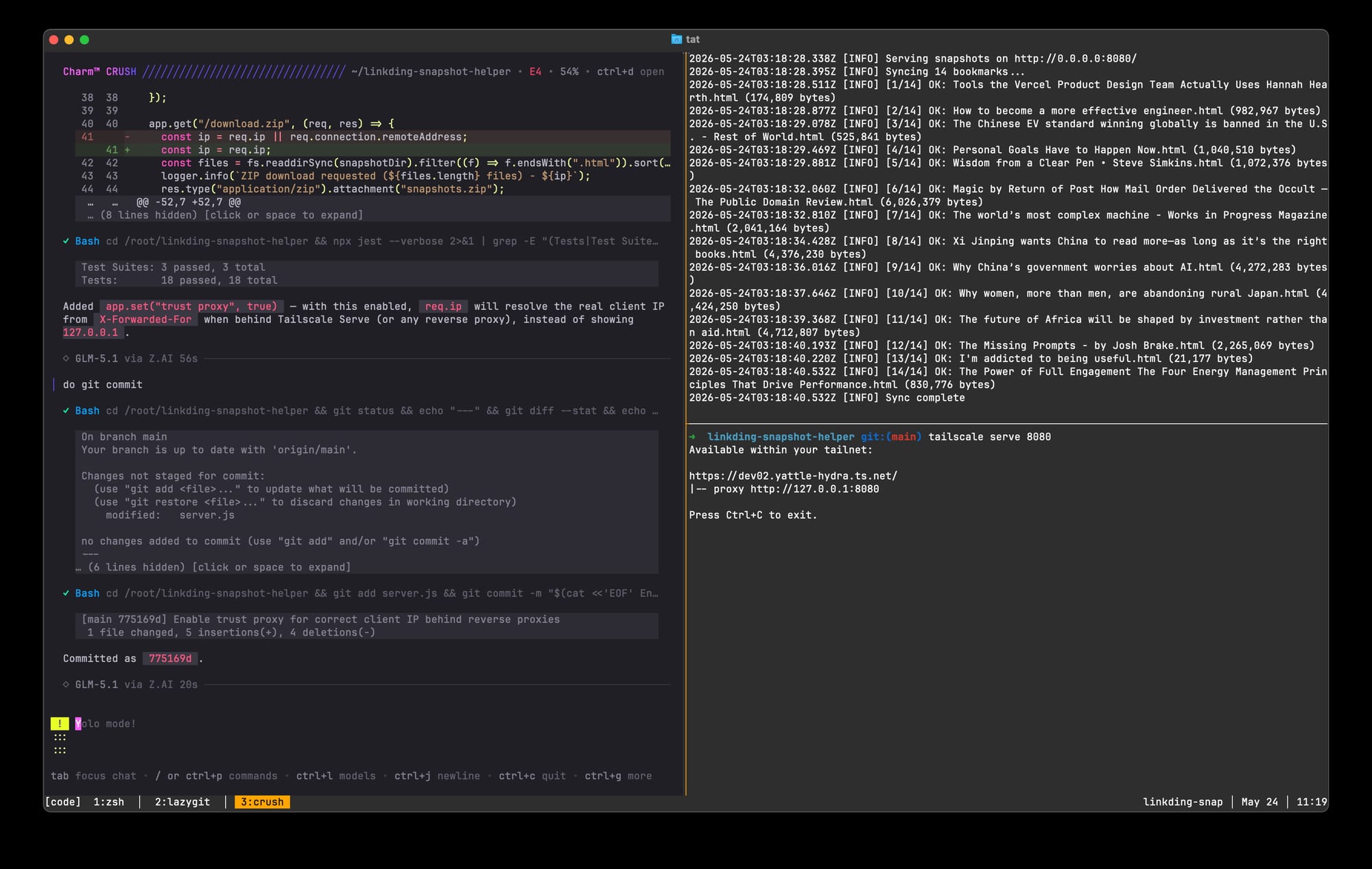
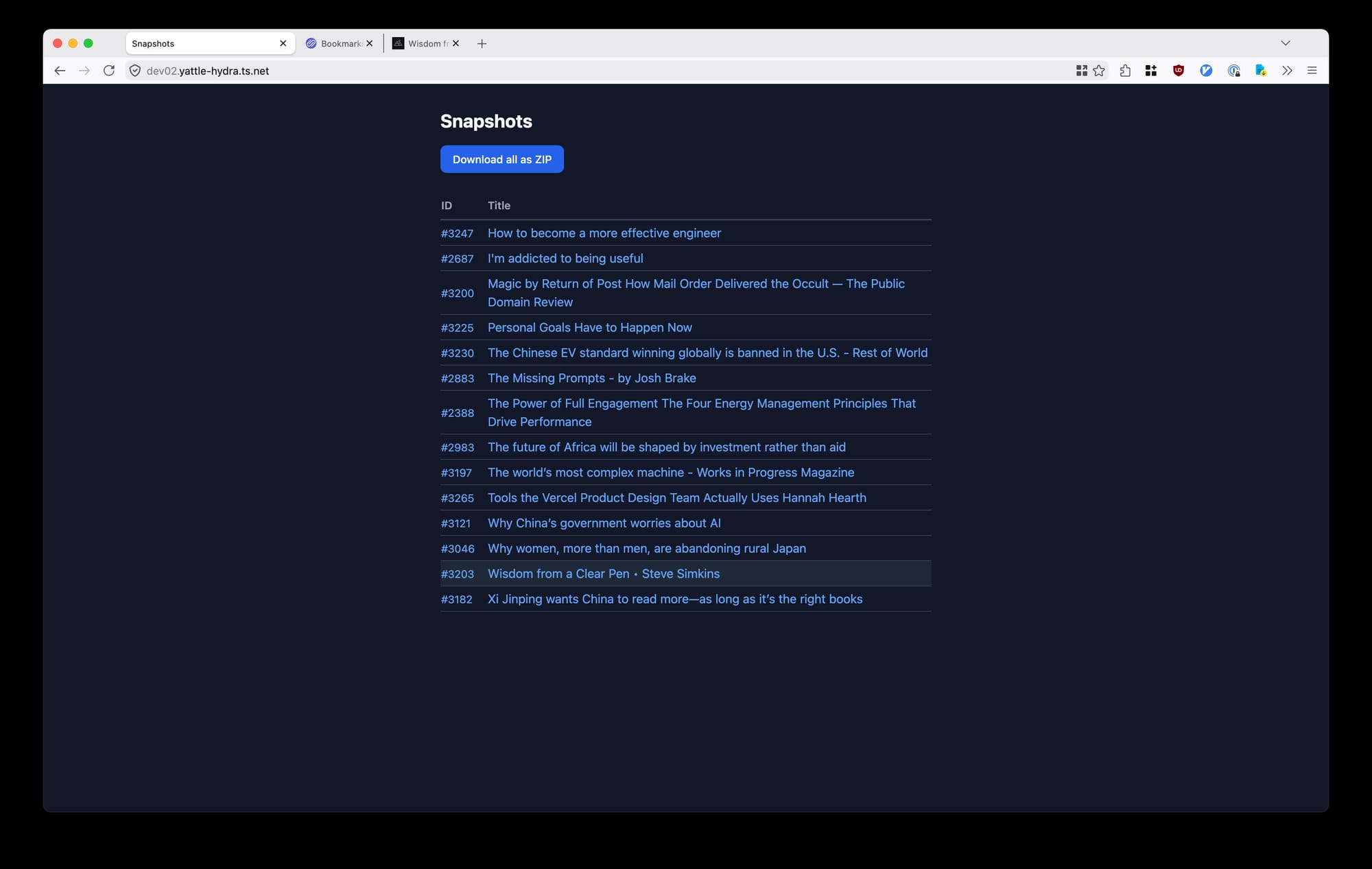
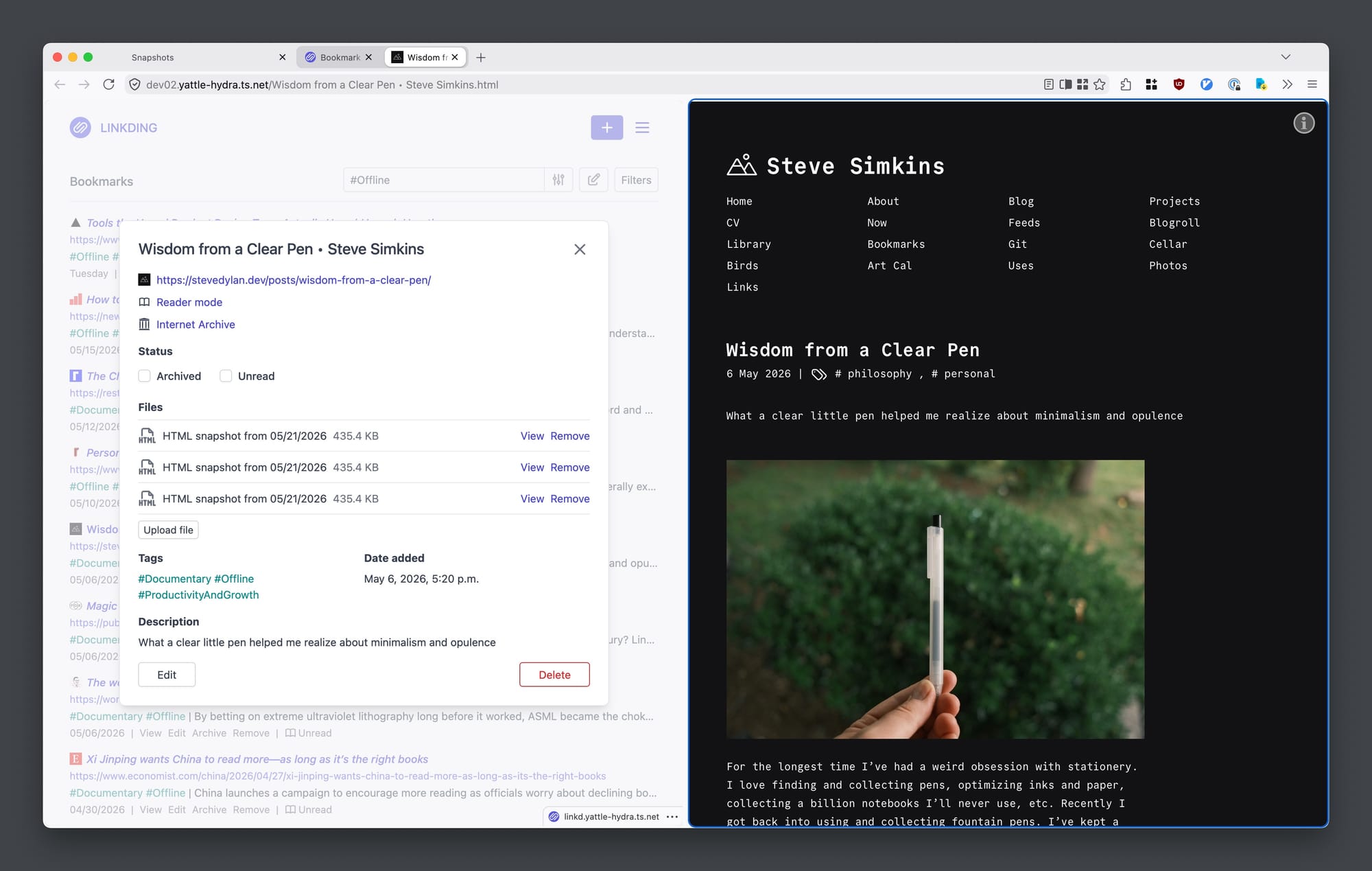
Running the entire setup in limxingzhi/telescreen, opening the app in a browser (after the trip)
I ran the entire application on my NAS homelab, SSHing over my laptop. I used Crush to write the application, ran the express server and served the endpoint over tailscale serve.
Fin
This is the pattern I keep coming back to. Small tools, loosely coupled, glued together on demand. Linkding holds the links. SingleFile captures the pages. Tailscale connects everything. Telescreen gives me a disposable workspace. Crush writes the glue code. Most of these tools talk to each other without specific implementations, I just make the glue, and that's the beauty of it.
Twenty-five articles, each a single self-contained HTML file, sitting in a folder on my phone, waiting for me to get onto my flight.